
Website accessibility features are the practical building blocks that let people use a site with a keyboard, screen reader, magnification, captions, or other assistive technology. A page can look polished and still fail in real use if its menus cannot be reached without a mouse, focus disappears, form errors are unclear, or a screen reader announces controls without meaningful names.
This guide focuses on ten features that make the biggest difference in everyday website use. They also map closely to the kinds of issues evaluated during a professional website accessibility audit. The goal is not to add an “accessibility layer” after launch, but to make accessibility part of the underlying structure and interaction design.
Quick checklist: the 10 accessibility features to verify
- Complete keyboard access
- Visible and unobscured keyboard focus
- Useful alternative text for meaningful images
- Readable text and non-text contrast
- Accessible forms, validation, and error recovery
- Semantic headings, landmarks, and screen-reader structure
- Text resizing and responsive reflow
- Accessible buttons, menus, dialogs, and other controls
- Captions, transcripts, and accessible media controls
- A public accessibility statement and feedback path
1. Complete keyboard navigation
A modern website should be usable without a mouse. That means a visitor can reach navigation, links, buttons, form fields, accordions, menus, dialogs, checkout steps, and other interactive controls using the keyboard alone. Keyboard testing often exposes barriers that automated scanners cannot understand because the problem is not simply whether an element exists; it is whether a person can reach it, operate it, and continue through the task in a logical order.
Test with Tab and Shift+Tab to move forward and backward. Verify that Enter and Space activate controls where expected, and that custom widgets do not trap the user. Pay special attention to sticky menus, cookie banners, carousels, account menus, checkout components, and modal dialogs.
A useful test is to put the mouse aside and complete one real journey: open the menu, find a product or service, complete a form, and submit it. If that journey becomes confusing or impossible, the page needs more than an automated scan. See our comparison of automated vs manual accessibility testing.
2. Visible focus that does not disappear behind content
Keyboard users need to know where they are on the page. Every keyboard-operable component should show a visible focus indicator when it receives focus. W3C guidance for WCAG 2.2 also addresses focus becoming obscured by author-created content such as sticky headers, banners, and overlays.
Good focus styling is obvious on light and dark backgrounds and remains visible as the user moves through a page. A subtle color change that is hard to perceive is not a strong solution. Removing the browser outline without supplying an effective replacement is a common accessibility failure.
When reviewing focus, check not only whether an outline exists, but whether it can actually be seen around links, buttons, inputs, cards, menus, and custom controls. Contrast of visual UI states is closely related to WCAG non-text contrast requirements.
3. Useful alternative text for meaningful images
Alternative text should communicate the purpose or information of an image to someone who cannot see it. The right alt text depends on context. A product image may need the product type and distinguishing detail. A chart may require the important data or conclusion in nearby text. A linked logo may need to communicate the destination or brand. Decorative images generally should not add noise to the screen-reader experience.
“Image,” “photo,” or a filename is usually not useful by itself. Likewise, keyword-heavy alt text written for search engines can make the experience worse. Ask a simpler question: what would a user miss if this image were not visible? That answer usually points toward the right text alternative.
Also remember that not every visual problem is solved by an alt attribute. Icons used as buttons need accessible names, and complex graphics may require an extended explanation in the surrounding content.
4. Sufficient text and interface contrast

Color contrast helps people with low vision, color-vision differences, aging-related vision changes, and users working in difficult lighting conditions. Text needs sufficient contrast against its background, but accessibility does not stop with body copy. Form boundaries, focus indicators, icons, charts, selected states, and other interface components can also depend on visual contrast.
Design systems should define accessible color combinations before individual pages are built. That reduces the risk of fixing the same problem repeatedly across buttons, inputs, alerts, cards, navigation, and marketing templates.
For a deeper technical explanation, see our guide to WCAG 1.4.11 non-text contrast.
5. Accessible forms, labels, instructions, and error recovery

Forms are where accessibility problems become business problems. A visitor may successfully browse a site and then be unable to create an account, request a quote, pay, subscribe, or contact the company.
Every field needs a programmatically associated label or an equivalent accessible name. Required fields should be communicated in a way that is not dependent on color alone. Error messages should identify the problem and help the user correct it. When submission fails, focus and announcements should make it clear what happened and where attention is needed.
Real form testing should include keyboard-only completion and screen-reader review. Autofill, date pickers, password requirements, address lookup, validation, multi-step progress, and authentication can all introduce barriers even when basic labels are present. Our guide Why Accessible Forms Still Fail covers these issues in more detail.
6. Semantic structure that works with screen readers
A screen reader does not simply read pixels from the screen. It relies on the information exposed by the browser and accessibility APIs. Semantic HTML helps communicate headings, links, lists, buttons, form controls, tables, landmarks, and relationships in a way assistive technology can use.
Headings should describe the structure of the page instead of being chosen only for visual size. Native buttons should generally be used for button actions. Navigation, main content, forms, and complementary regions should be identifiable. ARIA can be valuable when native HTML cannot express a component correctly, but unnecessary or incorrect ARIA can also make a page harder to use.
A strong screen-reader review tests navigation by headings, landmarks, links, form controls, buttons, and other structural shortcuts—not only linear reading from the top of the page.
7. Text resizing, zoom, and responsive reflow
Users with low vision may enlarge text, zoom the browser, or use a narrow viewport to make content easier to read. The page should adapt without hiding important information, overlapping controls, clipping text, or forcing unnecessary two-dimensional scrolling for ordinary content.
Test key templates at increased zoom and with larger text. Navigation bars, pricing cards, cookie notices, dialogs, tables, forms, and fixed-position elements are common places where layouts break. Do not assume that a responsive design automatically handles accessibility-related zoom and text resizing correctly.
The key question is whether the user can still understand the page and complete the same tasks after enlarging the interface.
8. Accessible buttons, menus, accordions, tabs, and dialogs
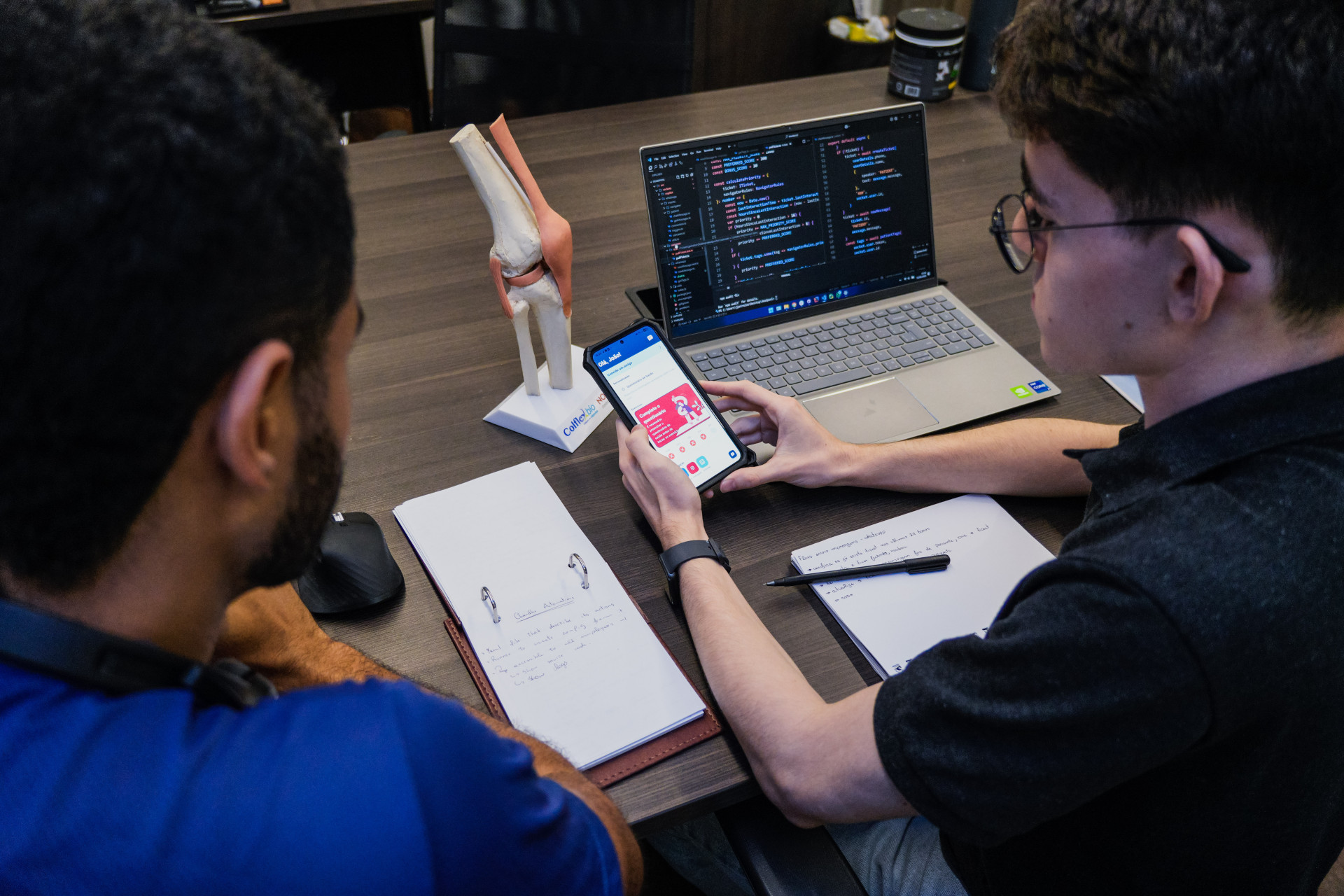
Modern websites rely heavily on custom interactive components. A component may work perfectly with a mouse while exposing an incomplete name, role, state, or keyboard interaction to assistive technology.
For each interactive component, verify four things: can users find it, understand what it is, operate it, and understand what changed afterward? A menu button should communicate whether its menu is expanded. Tabs should expose the selected state and have predictable keyboard behavior. Dialogs should receive focus when opened and return focus appropriately when closed. Disabled, selected, expanded, pressed, and invalid states need to be conveyed programmatically where relevant.
Native HTML controls are usually the safest starting point. When custom components are necessary, test them with both keyboard navigation and a screen reader instead of relying only on visual inspection.
9. Captions, transcripts, and accessible media controls
Video and audio content should not assume that every visitor can hear the soundtrack or see the visual content. Accurate captions support users who are deaf or hard of hearing and are also useful in noisy environments. Transcripts can make audio information easier to review, search, quote, and understand.
Media players themselves also need accessible controls. Play, pause, volume, captions, full-screen controls, and progress mechanisms should be keyboard operable and have meaningful accessible names. Autoplay, unexpected sound, and inaccessible custom players can create barriers even when the video itself has captions.
For important instructional or product content, consider whether visual information that is not communicated in the dialogue also needs an audio description or equivalent text explanation.
10. A public accessibility statement and a usable feedback path
An accessibility statement does not make an inaccessible site compliant, but it can demonstrate an ongoing accessibility process and give users a practical way to report barriers. A useful statement explains the organization’s accessibility commitment, the standards or practices it uses, known limitations where appropriate, and how to request help or report a problem.
The contact method must itself be usable. Publishing an accessibility email address inside an inaccessible form does not solve the problem. Give people a clear path to report an issue and ensure those reports reach a team that can investigate and respond.
Accessibility should also continue after the statement is published. New templates, redesigns, third-party widgets, marketing tools, checkout changes, and content updates can introduce new barriers over time.
How to verify these features in a real accessibility review
A scanner can help identify certain code-level issues, but these ten features require more than one type of testing. A practical review combines automated checks with keyboard testing, screen-reader testing, zoom and reflow checks, form and task completion, and inspection of key components and templates.
If your site is business-critical, prioritize representative user journeys rather than testing random pages in isolation. Registration, login, search, checkout, booking, contact, account management, and document access usually deserve special attention. A website accessibility audit should turn those findings into developer-ready issues, remediation guidance, and a plan for retesting.
Final takeaway
The most important website accessibility features are not decorative additions. They determine whether users can perceive content, understand structure, navigate controls, complete forms, and finish real tasks. Start with keyboard access, focus, structure, forms, contrast, responsive behavior, media, and screen-reader compatibility—and test them together as part of actual user journeys.
Improving these foundations generally creates a more robust interface for everyone while making accessibility easier to maintain as the site evolves.