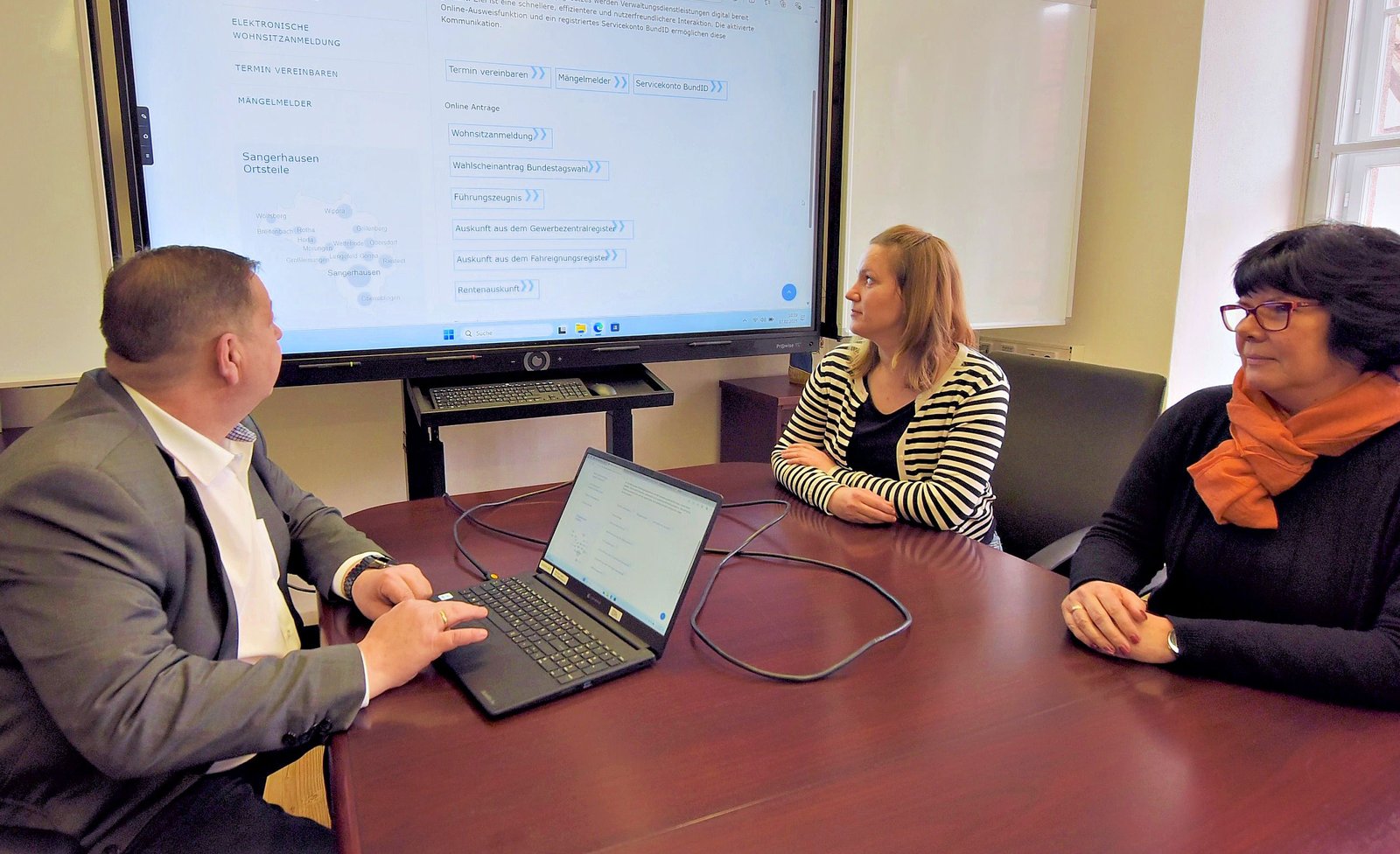
The U.S. Department of Justice has established specific technical accessibility requirements for websites and mobile applications provided by state and local governments under Title II of the Americans with Disabilities Act.
The rule uses WCAG 2.1 Level A and Level AA as its technical standard. Following an extension announced by the Department of Justice in 2026, the general compliance dates are now April 26, 2027 for public entities with a population of 50,000 or more and April 26, 2028 for public entities with fewer than 50,000 people and special district governments.
These deadlines are important, but they should not be confused with a universal ADA website deadline for every U.S. business. The Title II rule specifically addresses state and local government entities.
What Is the ADA Title II Web Accessibility Rule?
Title II of the ADA applies to state and local governments, which the ADA refers to as public entities. Their programs, services, and activities must be accessible to people with disabilities, including services delivered through websites and mobile applications.
In April 2024, the Department of Justice published a final rule adding specific technical requirements for web content and mobile apps under Title II. The rule gives public entities a defined accessibility standard instead of requiring them to determine an appropriate technical benchmark on their own.
The required technical standard is WCAG 2.1, including Level A and Level AA success criteria and conformance requirements, subject to the rule's provisions and exceptions.
Title II Deadlines After the 2026 DOJ Extension
As of September 2026, the Department of Justice lists the following general compliance dates:
- Public entities with a population of 50,000 or more: April 26, 2027.
- Public entities with a population from 0 to 49,999: April 26, 2028.
- Special district governments: April 26, 2028.
The deadlines were extended in 2026. Organizations that created accessibility plans around earlier dates should therefore review those plans against the current DOJ guidance rather than relying on older articles, presentations, or compliance calendars.
The population calculation used by the rule is also more specific than simply counting employees or the number of people an organization serves. Public entities should review the DOJ's current guidance when determining which compliance date applies to them.
Who Does the Title II Rule Apply To?
The rule applies to state and local government entities covered by ADA Title II. Depending on the circumstances, that can include organizations such as:
- state agencies;
- counties;
- cities and towns;
- public schools and school districts;
- public universities and colleges;
- police, fire, and other government departments;
- public libraries;
- public transit agencies;
- special district governments; and
- other state or local government entities.
The rule is particularly significant because government services increasingly depend on digital interfaces. Residents may need a website or mobile app to pay a fee, apply for benefits, register for a program, complete a form, access public records, participate in education, or communicate with a government agency.
What Accessibility Standard Does the Rule Require?
The Title II web and mobile accessibility rule specifically incorporates WCAG 2.1 Level A and Level AA.
That distinction matters because WCAG 2.2 is also available and is the newer W3C Recommendation. WCAG 2.2 builds on WCAG 2.1 and W3C encourages organizations to use the latest version when possible. However, the DOJ Title II rule itself identifies WCAG 2.1 Level AA as its technical standard.
An organization may choose to account for WCAG 2.2 criteria as part of a broader accessibility program, but it should not inaccurately describe WCAG 2.2 as the standard written into the Title II rule.
For a deeper explanation of the two versions, see our guide to WCAG 2.1 AA and WCAG 2.2.
Does the Rule Cover Mobile Apps?
Yes. The Title II rule expressly addresses both web content and mobile applications provided or made available by public entities.
Mobile accessibility therefore should not be treated as a separate optional project after a government website has been reviewed. If residents use an iOS or Android application to interact with a government program or service, that application can be part of the organization's accessibility scope.
Testing should consider the real mobile experience, including accessible names, screen-reader navigation, focus behavior, text scaling, forms, authentication, touch interaction, error handling, and other functionality people rely on to complete important tasks.
See our mobile app accessibility testing guide for practical iOS and Android considerations.
What About Websites and Apps Provided by Vendors?
Using an outside vendor does not automatically remove a public entity's accessibility responsibilities.
The DOJ rule addresses web content and mobile apps that a public entity provides or makes available directly or through contractual, licensing, or other arrangements.
This makes accessibility an important procurement and vendor-management issue. Public entities should understand which third-party systems are used to deliver public services and determine how accessibility requirements are addressed in contracts, implementation processes, testing, remediation, and future updates.
Examples may include:
- online payment platforms;
- meeting and agenda systems;
- public records portals;
- permit and licensing platforms;
- school and student systems;
- recreation registration tools;
- forms and document platforms;
- mobile applications; and
- other third-party tools embedded into or linked from government digital services.
Does Every Existing File and Page Have to Be Treated the Same Way?
The Title II rule contains detailed provisions and limited exceptions for certain types of content. Organizations should not reduce the rule to a simple statement that every historical file on every server automatically requires identical treatment.
At the same time, an exception should not be assumed without reviewing the actual rule and the specific content involved. Content that appears old may still be actively used to provide a current program, service, or activity.
For high-volume environments with years of documents and web content, an inventory is usually a useful first step. The organization can then identify what is active, what supports essential services, what is provided through third parties, and which content requires closer review.
Title II Is Not the Same as Title III
One of the most important distinctions in digital accessibility is the difference between ADA Title II and ADA Title III.
Title II applies to state and local governments. The DOJ has issued a specific web and mobile accessibility rule for those entities using WCAG 2.1 Level AA.
Title III applies to many private businesses that are open to the public, often referred to as public accommodations. The DOJ has long taken the position that the ADA's requirements apply to goods and services offered by covered public accommodations on the web.
However, businesses should not take the Title II deadlines of April 2027 and April 2028 and present them as universal federal WCAG deadlines for private business websites. They are not.
Private organizations should evaluate their obligations based on the laws, regulations, contracts, procurement requirements, jurisdictions, and circumstances that apply to them. Accessibility professionals can evaluate technical barriers, but legal questions should be reviewed with qualified counsel.
How Should State and Local Governments Prepare for 2027 and 2028?
A practical accessibility program usually starts with understanding the actual digital environment rather than scanning a homepage and declaring the project complete.
1. Inventory important digital services
Identify public-facing websites, subdomains, mobile apps, documents, forms, portals, and third-party applications used to provide government programs or services.
2. Identify critical user journeys
Prioritize the tasks people depend on most. Examples may include applying for benefits, registering for school, paying bills, finding emergency information, submitting applications, booking services, and completing public forms.
3. Run automated accessibility testing
Automated tools can quickly identify certain potential accessibility issues across many pages. They are useful for detecting repeatable patterns and establishing a technical baseline.
However, automated testing cannot determine complete accessibility or WCAG conformance on its own.
4. Perform manual accessibility testing
Manual review is necessary for issues that require human judgment or interaction, including keyboard behavior, logical focus order, accessible names, dynamic components, form errors, screen-reader output, and complete user flows.
Learn more in our guide to automated and manual accessibility testing.
5. Remediate confirmed barriers
Findings should be translated into actionable development or content changes. Repeated component-level problems should generally be fixed at the design-system or template level where possible instead of patching individual pages indefinitely.
6. Retest changes
Accessibility fixes need verification. A code change can resolve one barrier while creating another, and some issues require manual confirmation after remediation.
7. Add accessibility to procurement and publishing processes
Accessibility is easier to maintain when it becomes part of design review, development, content publishing, document creation, procurement, and release testing.
Can an Automated Scan Prove Title II Compliance?
No. An automated accessibility scan can be useful for finding potential barriers, but it cannot establish complete WCAG conformance or legal compliance.
Some accessibility requirements depend on context and human judgment. A tool may be able to determine that an image has alternative text, for example, but that does not necessarily mean the alternative text communicates the image's purpose correctly.
Likewise, software may identify individual technical conditions without determining whether a complete service can actually be operated using a keyboard or assistive technology.
A meaningful evaluation combines appropriate automated checks with knowledgeable manual testing.
Title II Accessibility Preparation Checklist
- Confirm whether your organization is a Title II public entity.
- Confirm the current compliance date that applies to the entity.
- Inventory websites, apps, documents, portals, and third-party systems.
- Identify critical public services and user journeys.
- Establish WCAG 2.1 Level AA as the required rule baseline where applicable.
- Review existing design systems and reusable components.
- Use automated testing to identify machine-detectable patterns.
- Perform manual keyboard and assistive-technology testing.
- Create a prioritized remediation plan.
- Retest fixes before closing findings.
- Address accessibility requirements with vendors.
- Integrate accessibility into future content and software releases.
Start With an Accessibility Review
If your organization is preparing for the Title II web and mobile accessibility rule, the first step is understanding where the meaningful barriers are.
ADA Access Group provides accessibility testing, audit, remediation, and retesting services designed to identify potential accessibility barriers and turn confirmed findings into practical next steps.
Review our website accessibility services or request an accessibility review to discuss the scope of your websites, applications, and critical digital workflows.
ADA Access Group provides technical digital accessibility services and does not provide legal advice. Organizations should consult qualified legal counsel for advice about their specific legal obligations.